
Wearables
Complications, workouts, payments glances, and haptic cues that respect battery life.
Watch · TV · ambient
Zupitrix designs wearable and Smart TV experiences — glanceable watch complications, living-room navigation, and companion apps that keep users in your product when the phone is in another room. Battery budgets and ten-foot UX are product requirements, not afterthoughts.
Wrist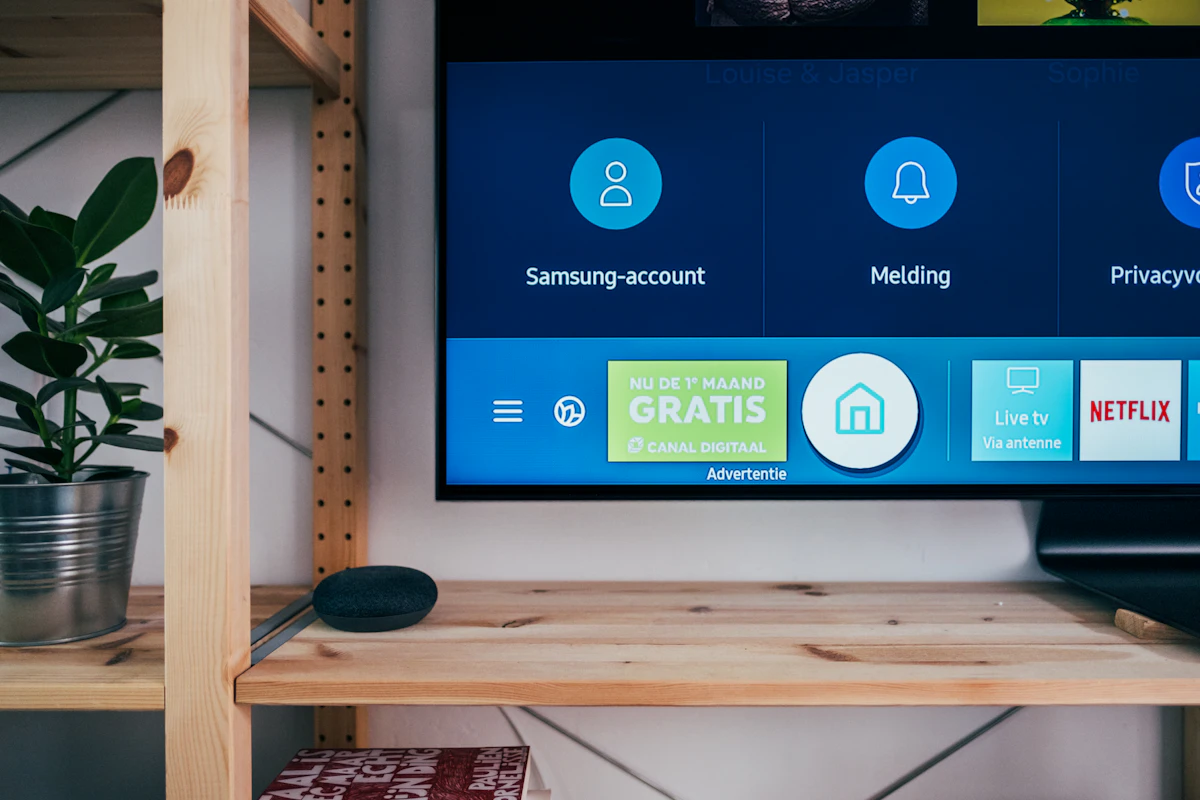 Living room
Surfaces
Complications, workouts, payments glances, and haptic cues that respect battery life.
Focus-based navigation, hero rows, and playback UX for the ten-foot interface.

Phone apps that configure devices, sync accounts, and handle heavy content.
Design principles
Each surface gets its own contract — interaction, power, and sync — before UI polish.
One question in seconds — not a phone layout on 40mm.
TV focus order is designed — never stranded mid-row.
Background work is budgeted like a product requirement.
Auth syncs without forcing phone UI onto TV or watch.
Stack & tooling
Real brand icons for the platforms and tools behind watch complications, leanback TV apps, sync, and multi-target release.
watchOS and tvOS apps with SwiftUI, WatchKit, and focus engines.
Wear OS and Android TV clients with leanback patterns.
Device matrix testing across watches and TV form factors.
App Store distribution for watch and Apple TV targets.
Auth and lightweight sync between phone companions and devices.
Efficient payloads for glanceable and leanback surfaces.
Complication and 10-foot layout systems before engineering.
Multi-target repos, CI artifacts, and release branches.
Zupitrix role
Zupitrix defines what each surface uniquely owns, then engineers watch, TV, and companion experiences that stay in sync. We own interaction design, platform builds, battery budgets, and living-room QA.

Ambient product
Complications, leanback rows, and remote-first navigation keep your brand in the moments between phone sessions — engineered as ambient surfaces, not mirrored mobile screens.
Delivery
Define what watch vs TV vs phone uniquely owns.
Complications, focus maps, and remote flows.
watchOS / Wear OS / tvOS / Android TV modules.
Battery, focus, playback, and sync edge cases.
Listings, review guidelines, and phased rollout.
Toolchain
FAQ
Keep exploring
Let's build something amazing together. Contact us to discuss your project and see how we can help bring your vision to life.
Fill in the form and we'll respond within one business day — personally, not with a template.


