
 Atoms
AtomsPrimitives
Color, type, space, radius, elevation, and motion tokens — the smallest decisions that cascade everywhere.
- Color & themes
- Type ramp
- Spacing scale
- Focus rings
Design systems
We build token foundations, component libraries, and contribution models so product teams ship consistent UI without reinventing every button.
Atomic layers
Each layer inherits from the one below — change a token once, update the product everywhere.
AtomsColor, type, space, radius, elevation, and motion tokens — the smallest decisions that cascade everywhere.
 Molecules
Buttons, inputs, badges, and chips composed from tokens with complete states.
 Organisms
Nav, tables, modals, and cards that encode product patterns — not one-off layouts.
 Templates
Layout shells and content regions so features assemble faster with fewer layout debates.
Token pipeline
Names designers and engineers share — so themes swap without rewriting every component.
blue.600Raw values — hex, rem, ms — never used directly in product UI.
color.actionIntent names shared by design and code — what the UI means.
button.bgAliases bound to primitives so themes swap without rewriting components.
--ds-actionCSS vars, Style Dictionary, or theme objects your apps consume.
Themes
Light, dark, and white-label aliases — shared components, brand layers that swap cleanly.

Default canvas for dense SaaS — high contrast actions, calm surfaces.

Inverse surfaces for ops tools and night workflows without losing hierarchy.

Alias layer so partners retheme without forking the component graph.
Component inventory
Status, variants, and accessibility notes live with the component — so adoption is unambiguous.
Toolchain
The stack that keeps design tokens, docs, and visual regression in the same release train.

Semantic collections mirrored 1:1 with code token names.

Primitives → CSS, JS, iOS, Android from one pipeline.
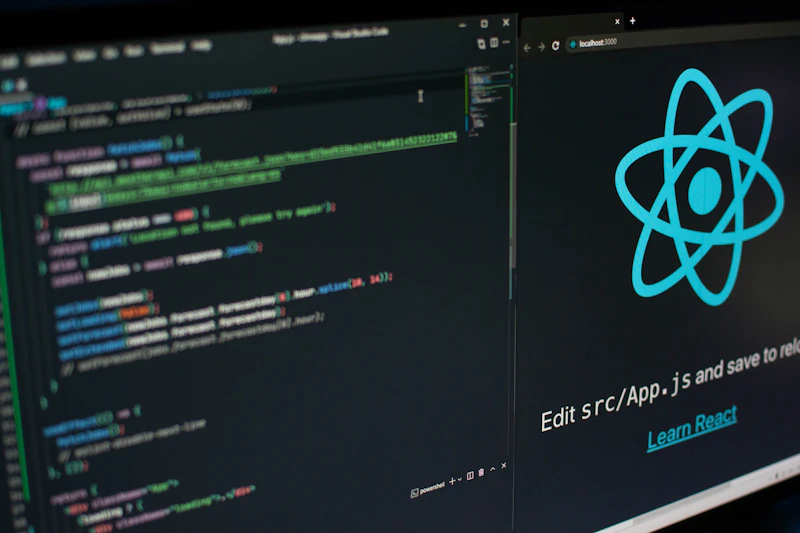
States, a11y checks, and usage examples beside the code.

Catch unintended token or component drift before merge.
Documentation
Usage, do/don’t, a11y, and code snippets ship with every primitive — in Storybook or your docs stack.
Governance
RFC template for new components, token changes, and breaking variants.
Design + eng + a11y checklist before anything lands in the library.
Versioned packages, changelogs, and migration notes for consumers.
Deprecation windows and codemods so teams can upgrade without drama.
Catalog UI debt, name collisions, and the highest-traffic surfaces to convert first.
Ship tokens and core atoms so every subsequent component has a clean substrate.
Convert one journey end to end — prove velocity and catch contribution friction early.
Expand coverage, train contributors, and lock the RFC cadence.
Measured impact
Tokens, components, docs, and RFCs ship as one program — so the system grows with your roadmap instead of rotting as a PDF.
Shared names cut design–eng thrash
Assemble vs invent layouts
Alias layer, not forks
Tested once, reused everywhere
Outcomes
Teams assemble from the library instead of debating padding and button states every sprint.
Cross-product surfaces share tokens — brand updates propagate without a pixel hunt.
Focus, contrast, and semantics are tested once in the primitive and reused everywhere.
Designers and engineers share names — fewer redlines, fewer “is this 14 or 16?” threads.
FAQ
Keep exploring
Let's build something amazing together. Contact us to discuss your project and see how we can help bring your vision to life.
Fill in the form and we'll respond within one business day — personally, not with a template.
