
Hierarchy that guides
UI/UX design & creative
Interfaces that feel intentional
We design product experiences end to end — research, interaction, visual systems, and validation — so every screen earns trust and moves the business.
- Research-backed
- Multi-device craft
- Ship-ready specs
- Motion systems
Designed in
- 8–12
- Weeks typical redesign sprint
- 40+
- Screens in a mid-size redesign
- 3
- Fidelity levels before build
- WCAG
- Inclusive by default
Capabilities
Craft across research, UI, and systems
Six practices as artboards in one file — research, UI, interaction, systems, prototypes, and ops stay linked.
Built with
Figma
Framer
- Adobe
Sketch
Webflow
Storybook
01Product UI

Screens that sell the next action
High-fidelity interfaces for SaaS, platforms, and consumer products — hierarchy, density, and motion tuned for real tasks, not demos.
- Desktop + mobile compositions
- Empty, loading & error states
- Microcopy that clarifies
02UX research

Evidence before opinions
Interviews, analytics teardown, usability tests, and competitive review so design decisions survive stakeholder pressure.
- Journey & pain mapping
- Prototype testing
- Severity-ranked findings
03Interaction

Flows people finish
Information architecture, navigation models, and interaction patterns that reduce cognitive load across complex products.
- IA & navigation models
- Task flows & edge cases
- Gesture & keyboard paths
04Creative systems

Visual language that scales
Typography, color, illustration direction, and component polish that stay coherent as features multiply.
- Visual direction boards
- Component states
- Brand-to-product translation
05Prototyping
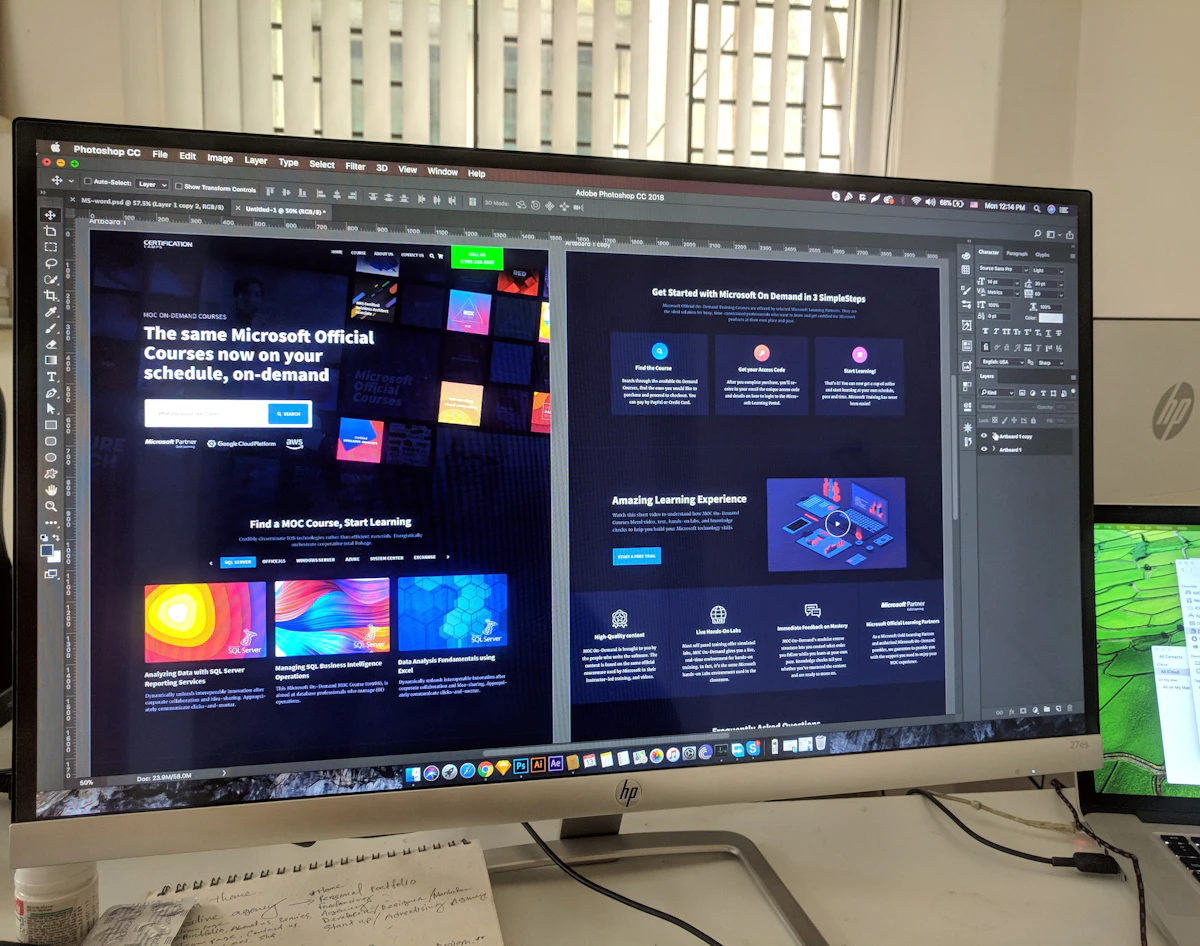
Click-throughs that convince
Interactive prototypes for usability, sales demos, and engineering alignment — fidelity matched to the decision you need.
- Lo-fi to hi-fi ladders
- Flow branching
- Handoff-ready specs
06Design ops
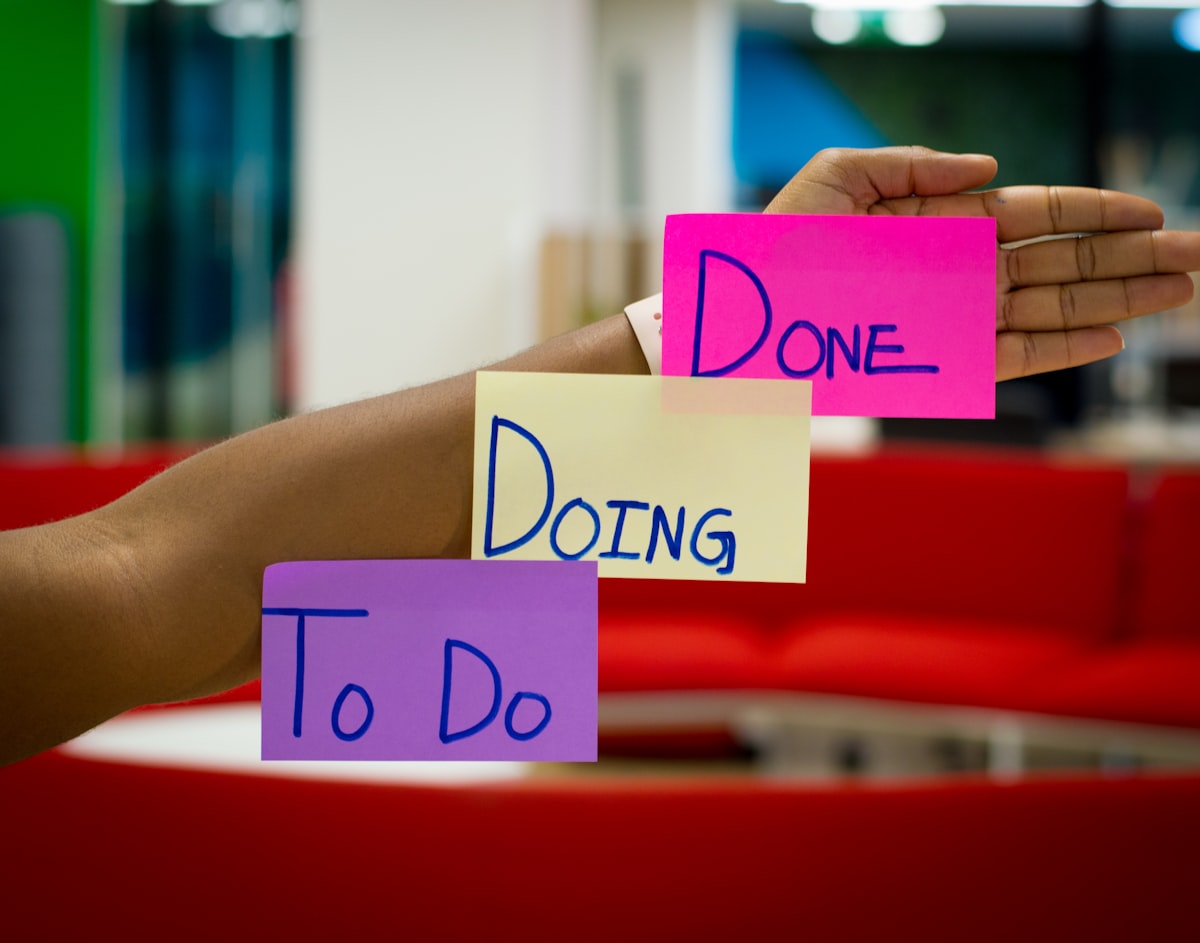
Libraries teams can ship from
Figma libraries, naming, and documentation so product, brand, and engineering share one source of truth.
- Component governance
- Token sync
- Release notes for UI
Screen system
The screens every product needs
Pattern pages from overview to empty state — designed as a coherent set, not one-off hero shots.
Command center
At-a-glance health, shortcuts, and personalized next actions.
- KPI strip
- Shortcuts
- Next actions
Scan & filter
Dense tables with calm filters, bulk actions, and empty states.
- Filters
- Bulk select
- Empty rows
Deep work canvas
Tabs, activity, and related entities without losing context.
- Tabs
- Activity
- Related
Guided input
Multi-step forms with validation that teaches, not punishes.
- Steps
- Inline help
- Review
Control without chaos
Grouped preferences, permissions, and billing clarity.
- Groups
- Permissions
- Billing
Helpful voids
Zero-data and failure screens that recover the journey.
- Zero-data
- Retry
- Support path
Design file inventory
Specs that survive handoff
What engineers open in the file — tokens, states, motion, a11y, and annotations ready to build.
Design tokens
Color, type, space, and elevation mapped for product + marketing.
Component states
Default, hover, focus, disabled, loading, error — every interactive piece.
Responsive recipes
Breakpoints and recomposition rules, not stretched desktop frames.
Motion language
Duration, easing, and when to animate — purposeful, not decorative.
Content patterns
Microcopy, empty states, and confirmation language that matches brand voice.
Accessibility checks
Contrast, focus order, labels, and keyboard paths designed in from frame one.
Handoff packs
Annotations, redlines, and Storybook-friendly notes engineers can trust.
Prototype kits
Clickable flows for usability, demos, and stakeholder buy-in before build.
Toolkit
The stack behind the craft
Real tools your team already knows — Figma libraries, research platforms, and handoff paths engineers trust.
- FigmaUI & prototypes
- FramerMotion & sites
- Adobe XDLegacy handoff
- SketchMac workflows
- AdobeCreative suite
- WebflowMarketing UI
Design principles
What we refuse to compromise
Critiques, Figma libraries, and prototype reviews happen in the same week — so craft stays tied to what ships.
Clarity over cleverness
Hierarchy and affordances make the next step obvious — wit never blocks understanding.
Motion that orients
Transitions confirm, guide, and reduce load. Decoration stay out of product UI.
Responsive as craft
Layouts recompose for thumb, density, and context — not scaled desktop frames.
Inclusive by default
Contrast, focus, and semantics are design requirements from the first frame.
Systems-aware pixels
Every screen considers tokens and reuse so the product stays coherent after launch.
Evidence settles taste
Research and tests close debates so stakeholders stop arguing in the abstract.
Signature surfaces
Where craft shows up in product
Four surface types framed as product UI — dashboard, onboarding, mobile, and marketing×app.



Engagement modes
Pick the shape that matches your risk
Three project briefs — redesign, net-new, or audit — with timeline and deliverables.
Product redesign
8–12 weeksRefresh what users already know

Re-architecture of core journeys, visual modernization, and interaction polish without throwing away hard-won mental models.
- Journey prioritization
- Pattern inventory
- Migration-friendly UI
Net-new product
10–16 weeksDesign the first credible version

From concept to launch surfaces — IA, MVP screens, and a visual system that can grow with the roadmap.
- MVP scope framing
- Foundational UI kit
- Investor / sales demos
UX audit
2–4 weeksFind friction before you rebuild

Heuristic and data-informed review with a ranked backlog — clear what to fix now vs. what needs a larger design bet.
- Heuristic + analytics
- Severity scoring
- Quick-win roadmap
Process
From brief to build-ready
- 01
Align
Goals, constraints, audiences, and success metrics in one shared brief.
- 02
Explore
Research synthesis and concept directions that stake a clear point of view.
- 03
Compose
Flows, UI, and prototypes refined with your product and engineering partners.
- 04
Validate
Usability evidence and stakeholder reviews before engineering commits capacity.
- 05
Handoff
Specs, library updates, and async support through the first build cycle.
FAQ
Questions about UI/UX design
Keep exploring
Related design services
Contact Us
Get In Touch
Let's build something amazing together. Contact us to discuss your project and see how we can help bring your vision to life.
New project inquiry
Start project.
We'd love to help.
Fill in the form and we'll respond within one business day — personally, not with a template.